 aunnnn / Projects
ViewElements
ViewElements is a framework to build UITableView with ease.
Why?
Nearly every iOS app has at least one UITableView. It displays a vertically scrollable list of elements called UITableViewCell. These cells are reused automatically as they move in and out of the screen, so displaying thousands of items is not a problem.
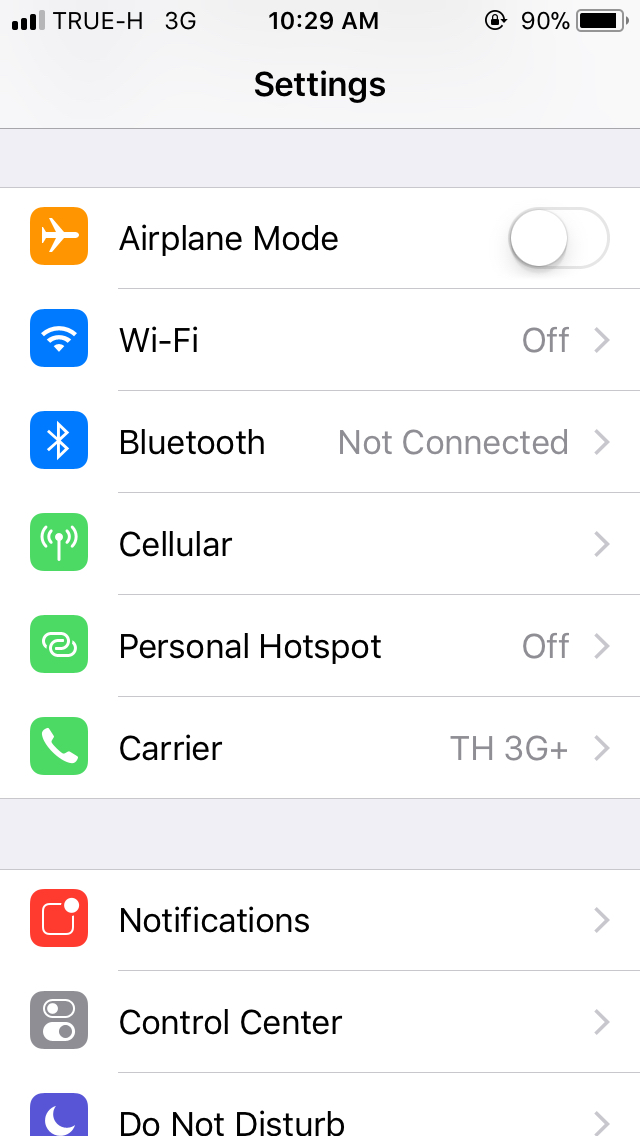
You can see this in most of Apple's built-in apps, like Settings.
However, we shouldn't stop here. See these pages:
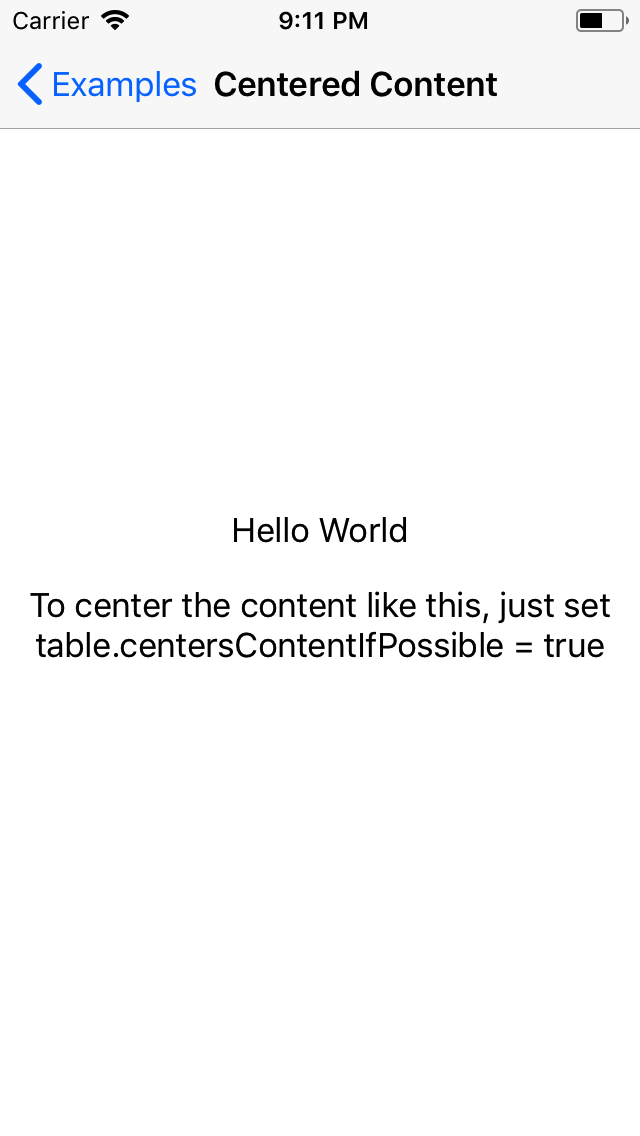
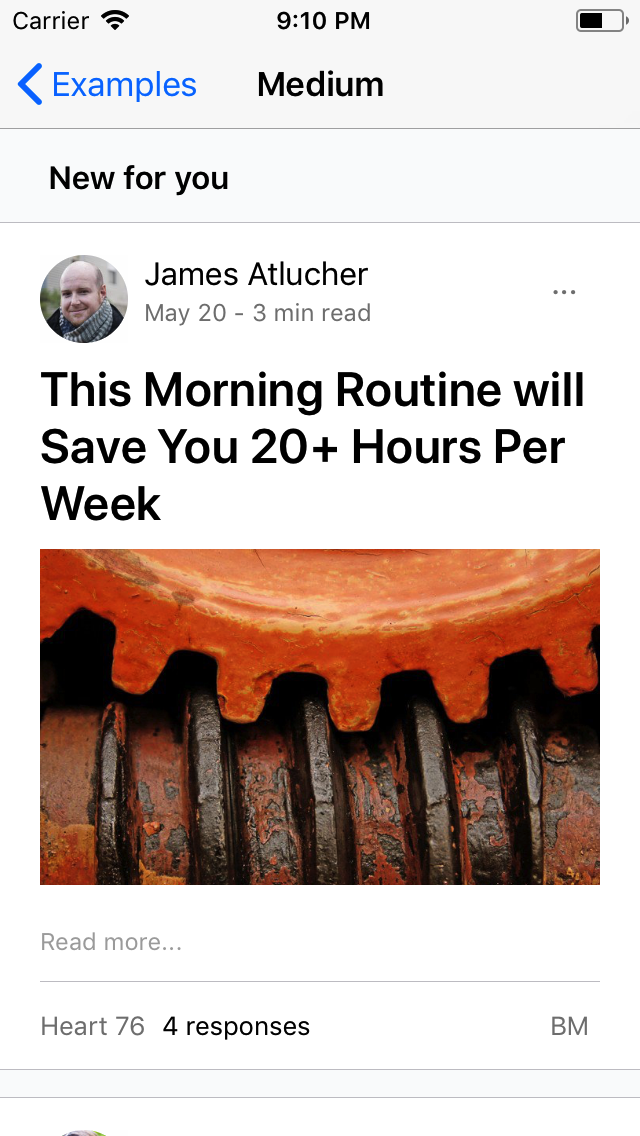

They are just rows of elements stacking together:
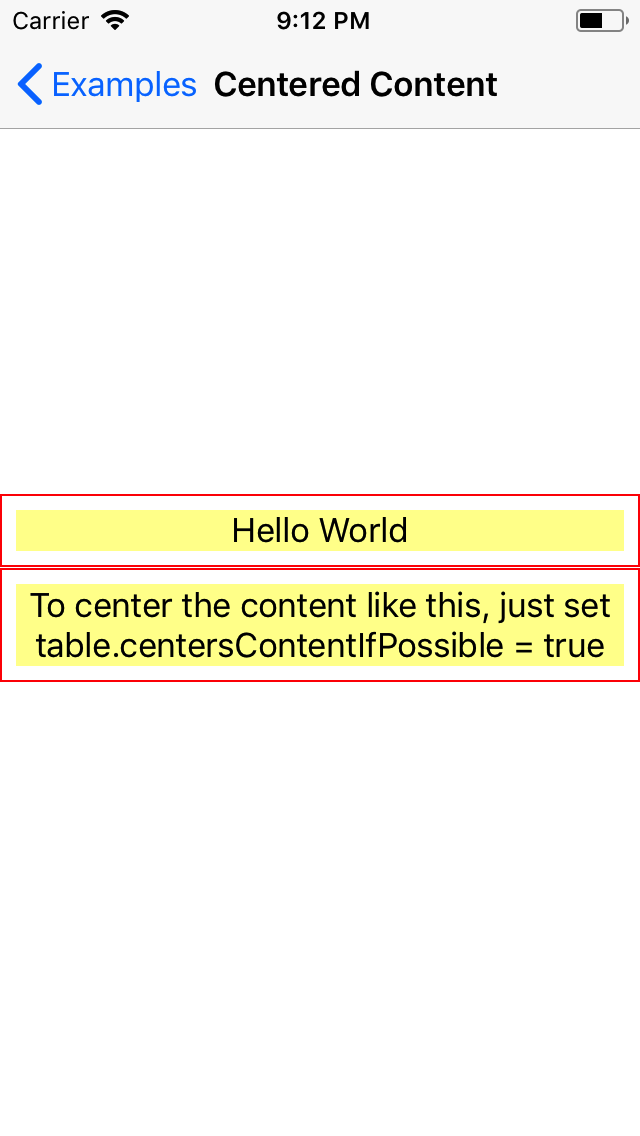
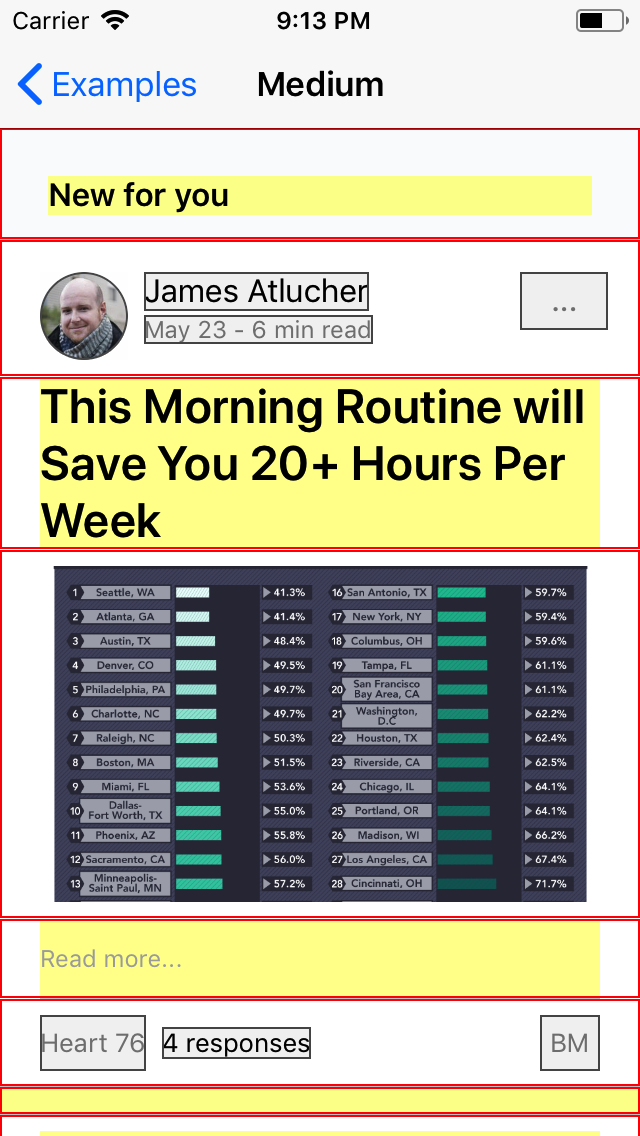
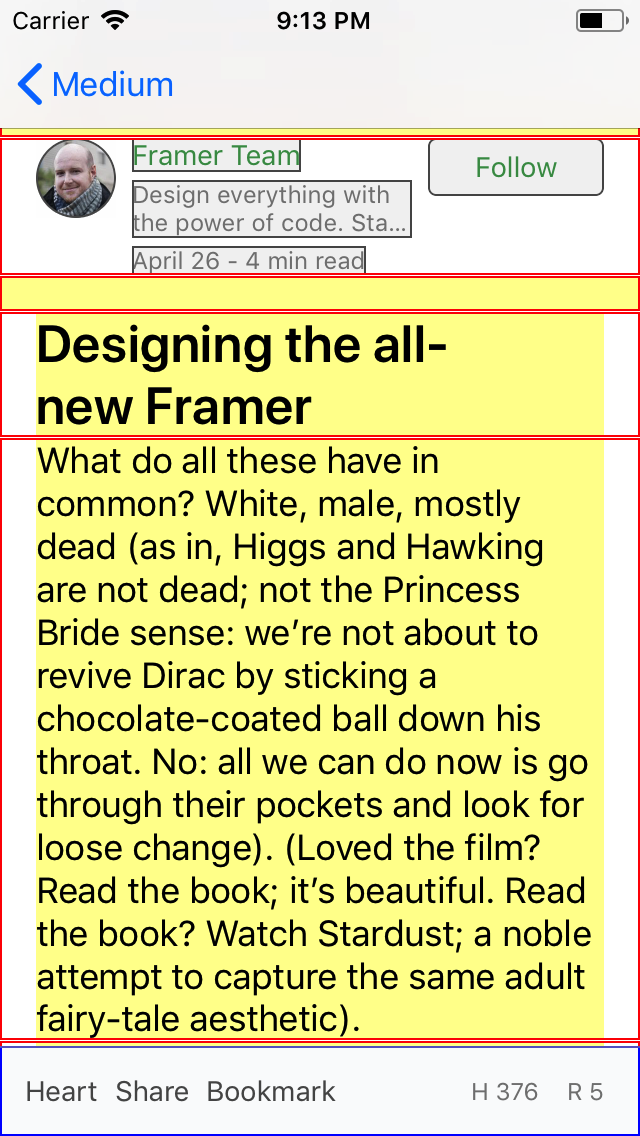
It's clear now that UITableView can be used to build any kind of page in an app, not just table views. Another huge advantage is that the cells are reused automatically.
However, creating a table view is a repetitive and tiresome task. It relies on the data source concept, so the code for the presentation layer ends up split across multiple functions (e.g., cellForRowAtIndexPath, heightForRowAtIndexPath, estimatedHeightForRowAtIndexPath). This makes the code harder to work with as it grows.
Solution
ViewElements simplifies the process of building a UITableView and reusing UITableViewCell. It lets developers declare arrays of rows so that the final appearance and order of the rows directly mirror the code. This keeps all the code for each row close together, making it easier to work with.
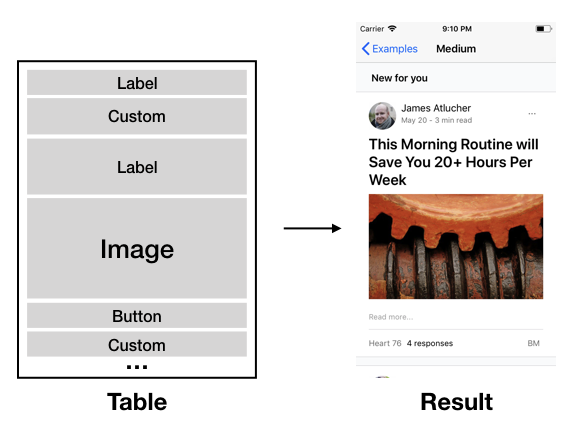
It also provides an API called Component for building a view by nesting UIStackViews together. This combines UITableView and UIStackView: the table view handles displaying and reusing cells vertically, while the stack view handles the UI inside each cell.
ViewElements wraps these complexities in data structures and provides APIs to construct a complete view. Once a view is set up, it can be reused anywhere through the provided API, and the built-in elements can already do a lot on their own!
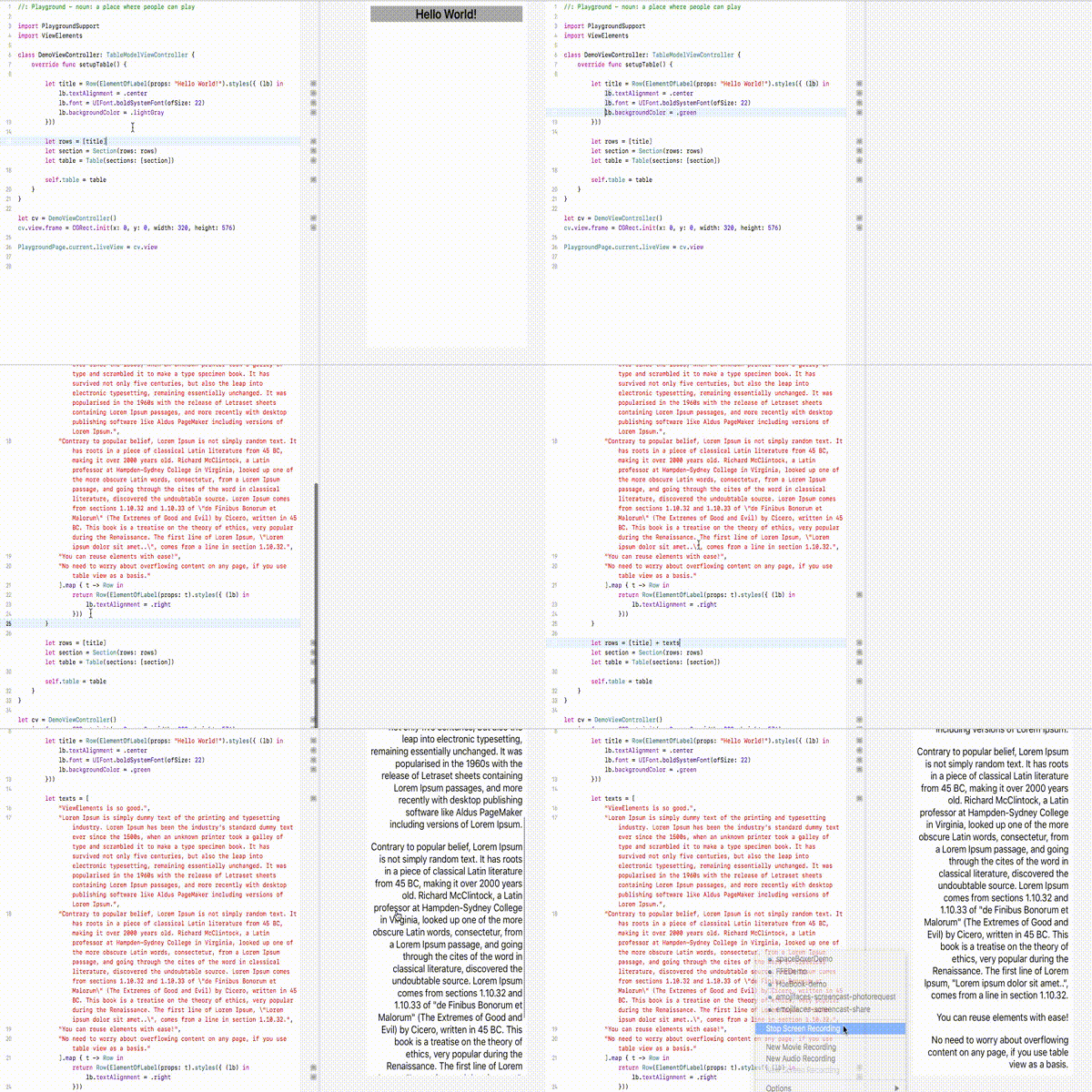
Check this quick demo:
What's Next
This is a great solution for static pages in an app. However, dynamic pages and pages that interact with data, such as form inputs, need more than this.
I'm currently combining a reactive programming library called RxSwift with ViewElements to enable data-driven UI.
Check out the experimental repo here.
Lessons
- An API designer has the power to guide developers in the right or wrong direction.
- When it goes right, developers feel that a framework is intuitive. They can guess how it works, and what they should or shouldn't do, without consulting documentation.
- Such a framework is usually designed to mirror real-world objects.
- Throwing a fatal error is fine when developers are building apps with a framework, but using a language's syntax, static types, or compiler to prevent developers from writing invalid code in the first place is much more elegant.
Future
- Many parts of iOS development are still imperative today. We have to do a lot of things manually, like structuring views in the app, handling events and UI updates, and managing the lifecycle.
- I believe there will be more native frameworks and libraries that use a markup language (e.g., HTML) to construct native views.
- React Native is great at building views and apps with JavaScript, but it won't be reliable enough to build high quality mobile applications on its own.
- These tools will soon expand to cover other parts of app creation too, including networking, navigation, and user interactions.
- As a result, there will eventually be a platform that lets anyone without technical knowledge create native apps.
- I'm sure Apple has some kind of internal markup system that makes creating apps easy. Such a system would also let the UI, or the whole app, change dynamically over the internet.
Technical details
- Implemented in Swift.